
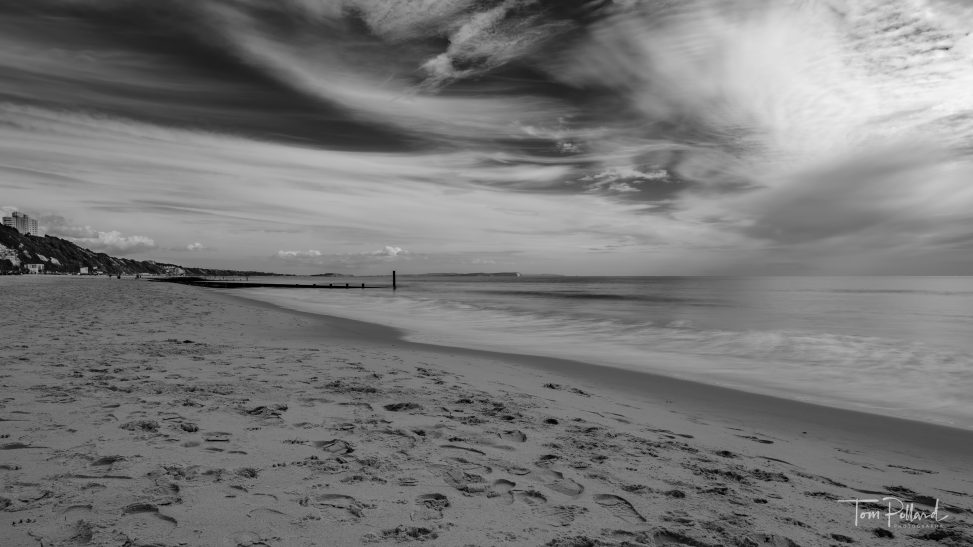
Today I took some long exposures of the sea/coast using the Fuji XH2, the 16-55 and a ten-stop ND filter.
I had a picture in my head of what I wanted and knew that my shutter speed would be anywhere between 1/2 a second to 10 seconds, so packed my tripod.
I shot at between f/5.6 and f/11 – I find with the 16-55 f/2.8 the sharpness starts to fall off at f/11 and beyond, but I also needed to get as much in focus as possible (without stacking), and also needed the longer exposure time, even with the ND filter.
Back at my computer, I first edited my shots using Capture One. This was a mixed bag, I find the photos often look better on import in Capture One, but its noise reduction and sharpening feel less refined than Lightroom. Removing dust and spots is also trickier, as I had to use the clone stamp tool.
These were the photos I eventually exported…
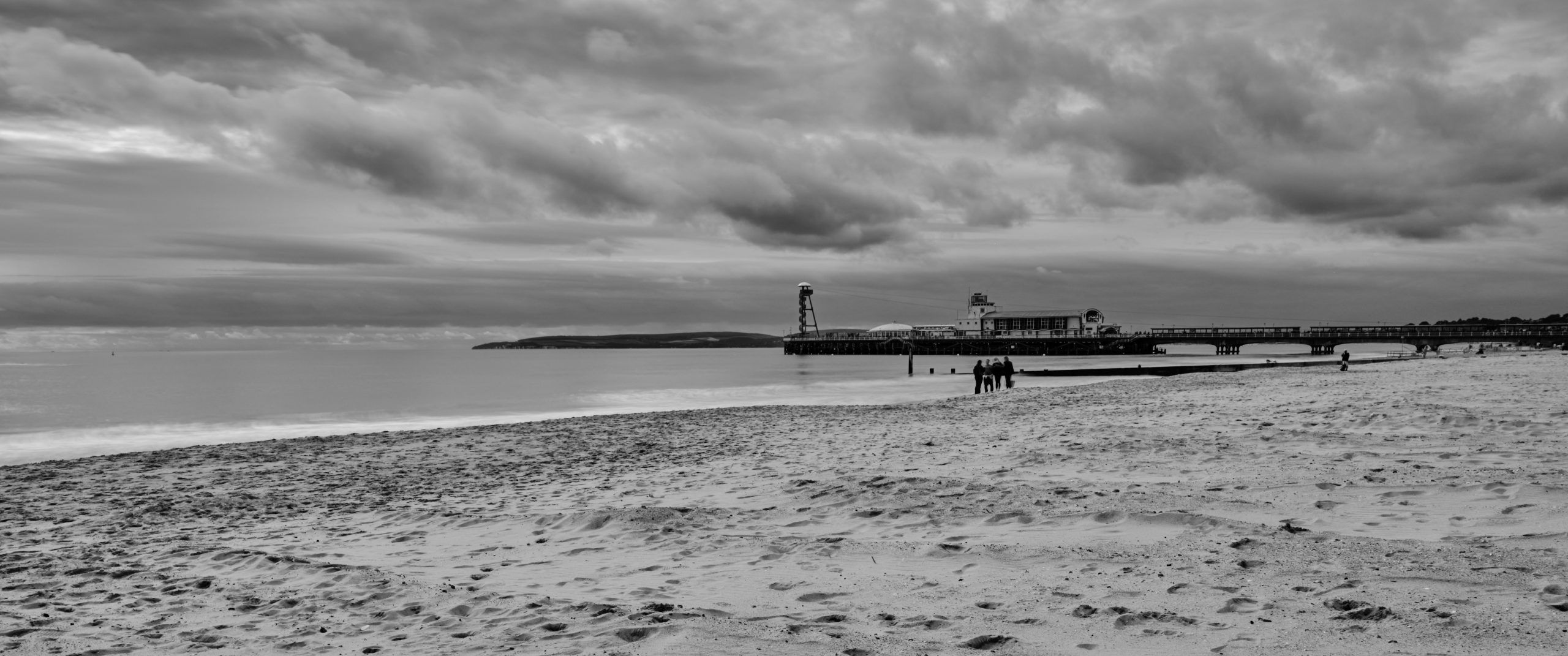
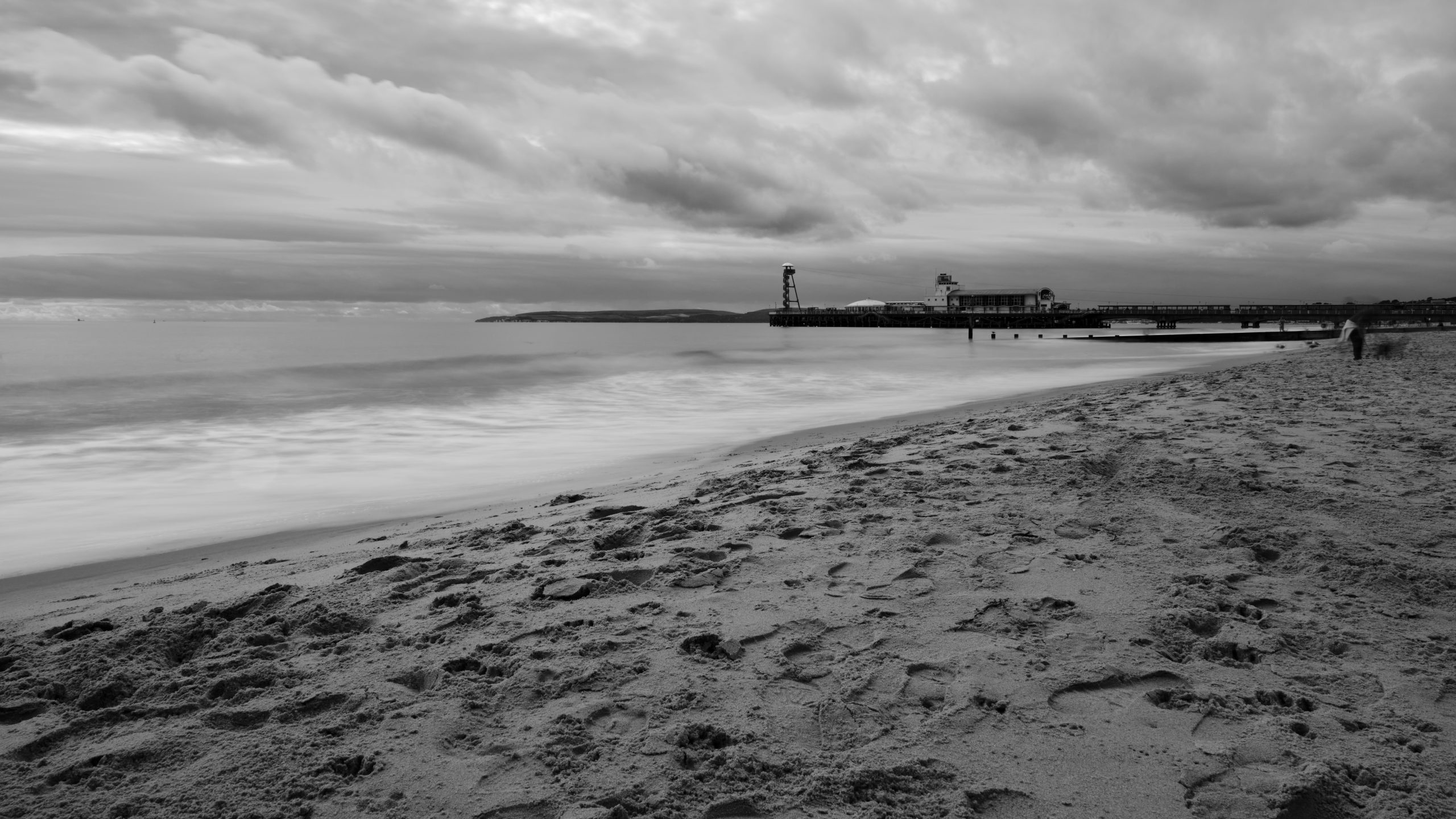
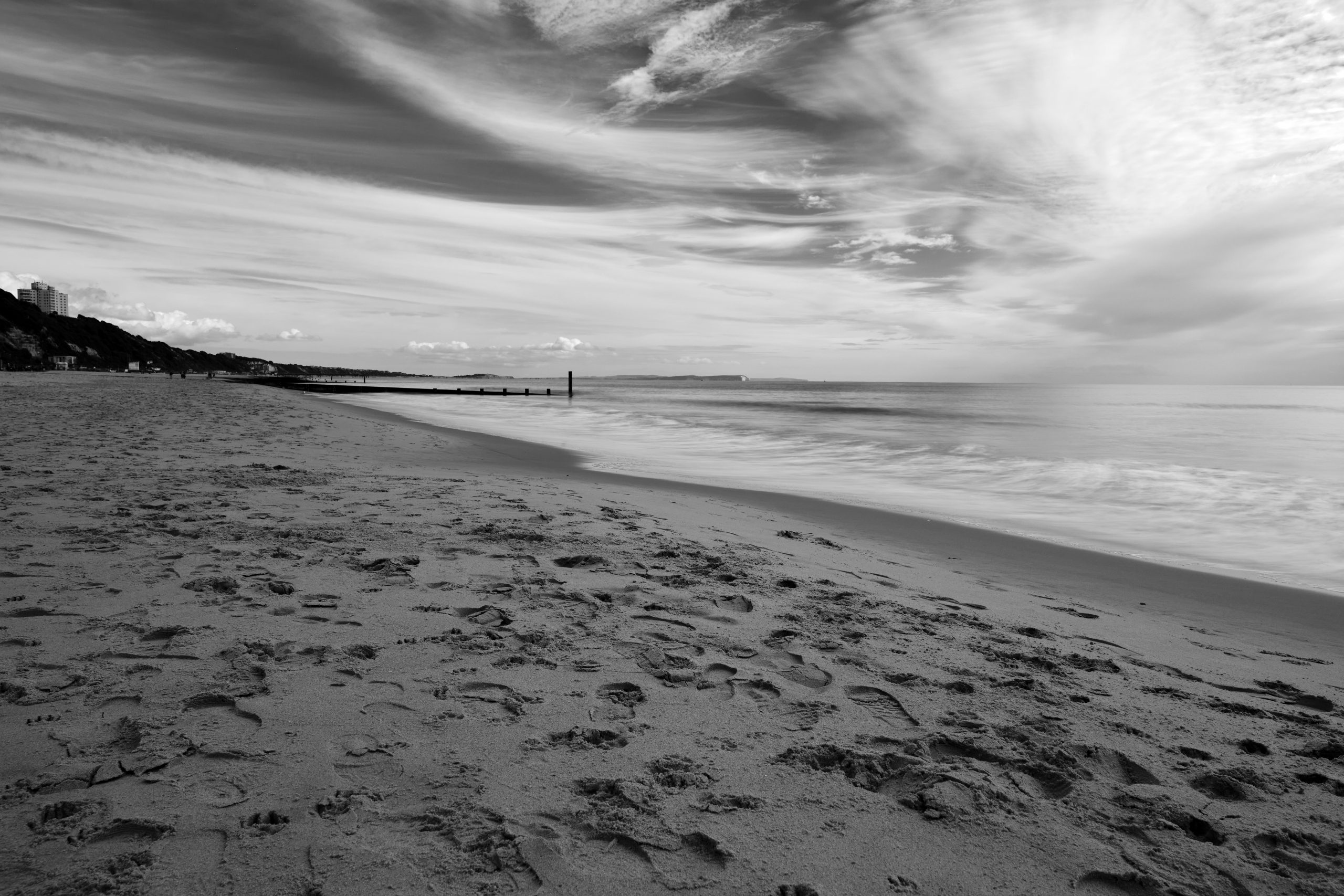
Generally the exported files look fine – I find that I have to think about what I’m doing in Capture One a lot more; the tools and sliders have different effects than their Lightroom counterparts. Moreover, the workflow feels different – moving from tab to tab, it feels a bit slower. (I just need practice).
I then loaded up the raw files in Lightroom and repeated the process, it didn’t take as long as I’ve been using Lightroom for years. The biggest difference is the AI Denoise / Raw details options – these seem to have a big impact on these longer exposures.
Here’s the Lightroom results…
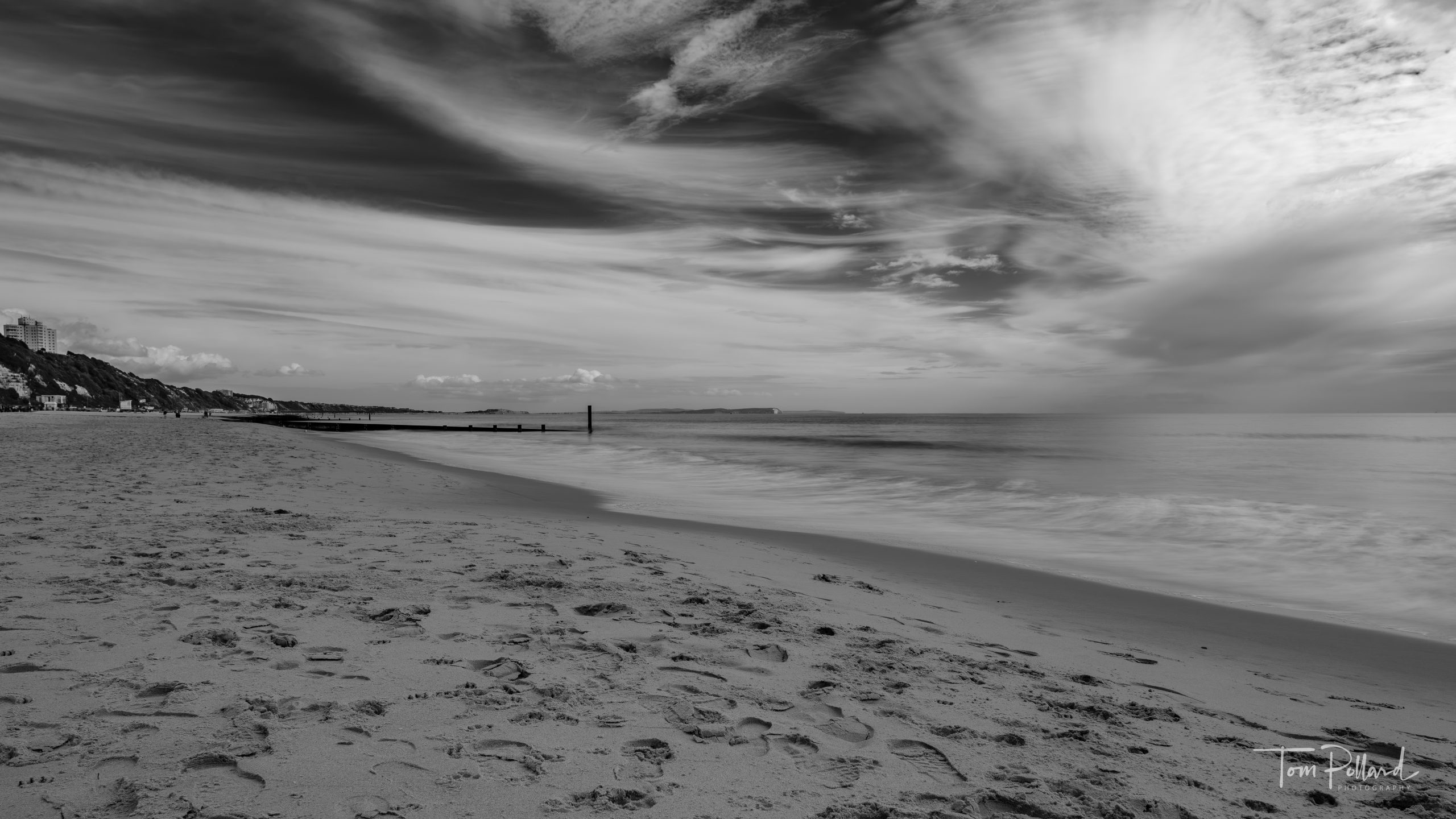
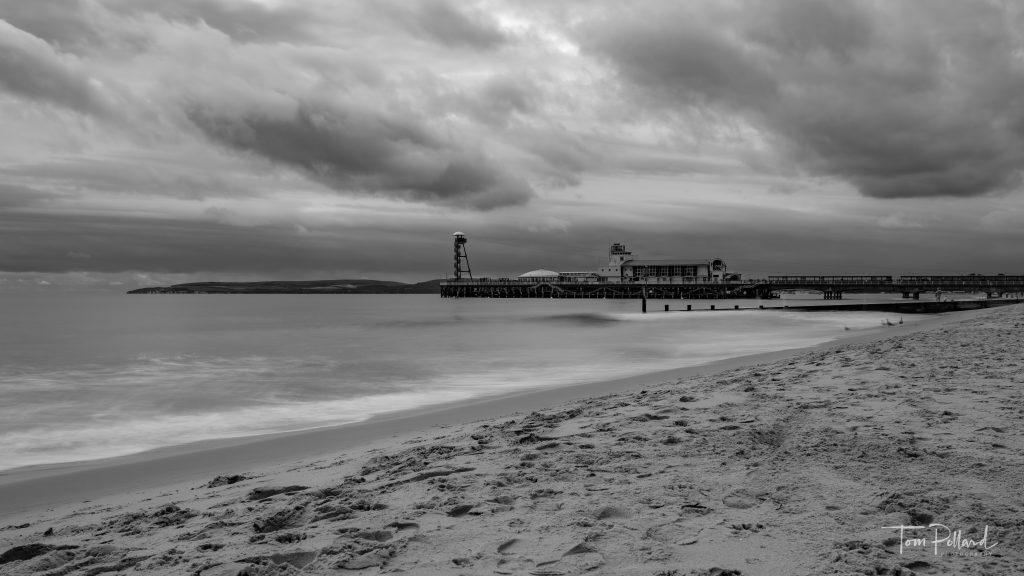
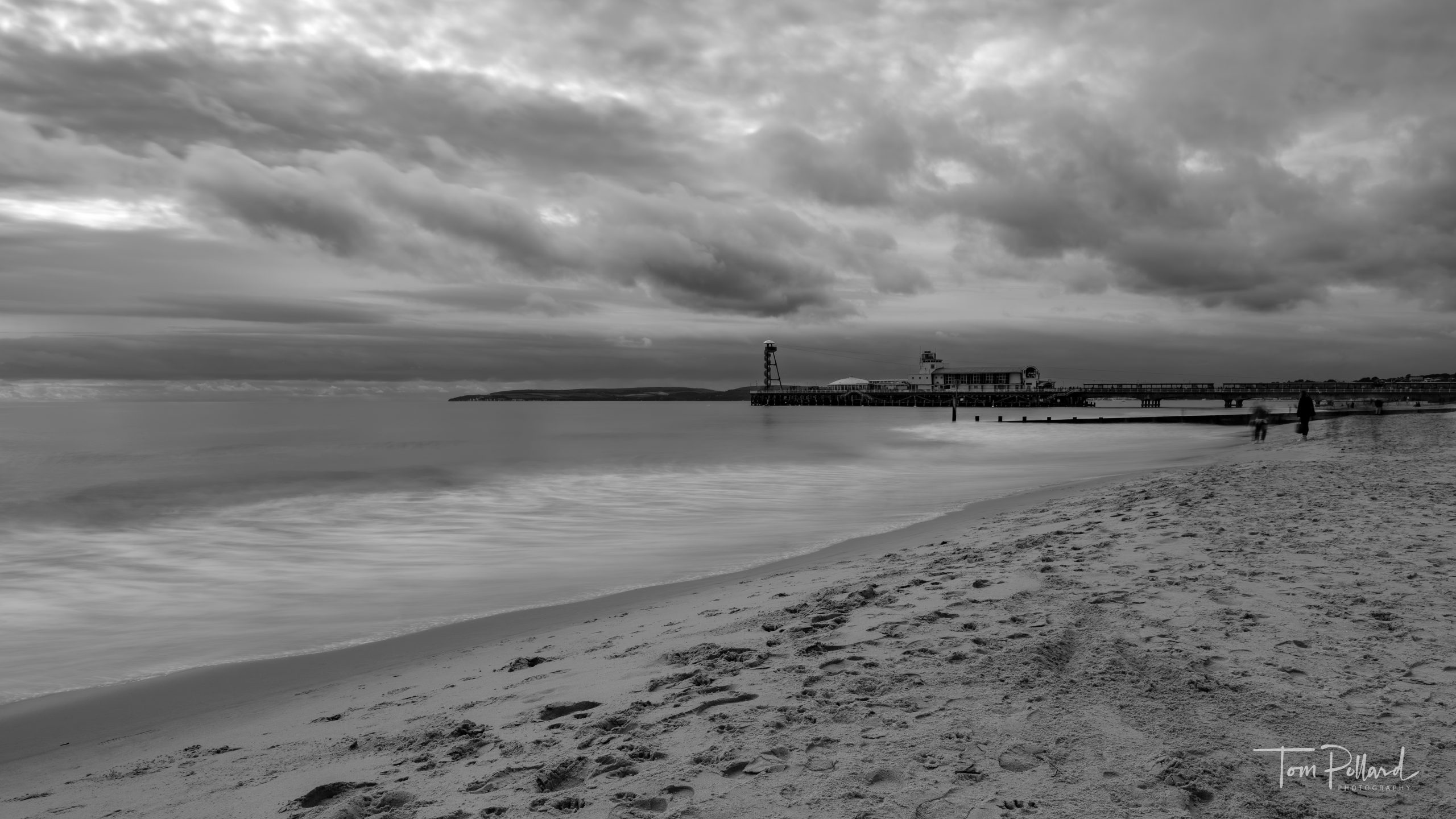
Overall, I genuinely think the Lightroom files look nicer. But, I’ve been using Lightroom far longer and therefore wonder if that’s the biggest deciding factor. I follow many photographers, particularly Fujifilm landscape photographers, and they swear by Capture One.
What do you use to edit your landscape photos that come out of your Fujifilm cameras? Any advice for a new Capture One user?
Discover more from Tom Pollard Photography
Subscribe to get the latest posts sent to your email.
Leave a Reply